

The Best Mobile Phones For Elderly People
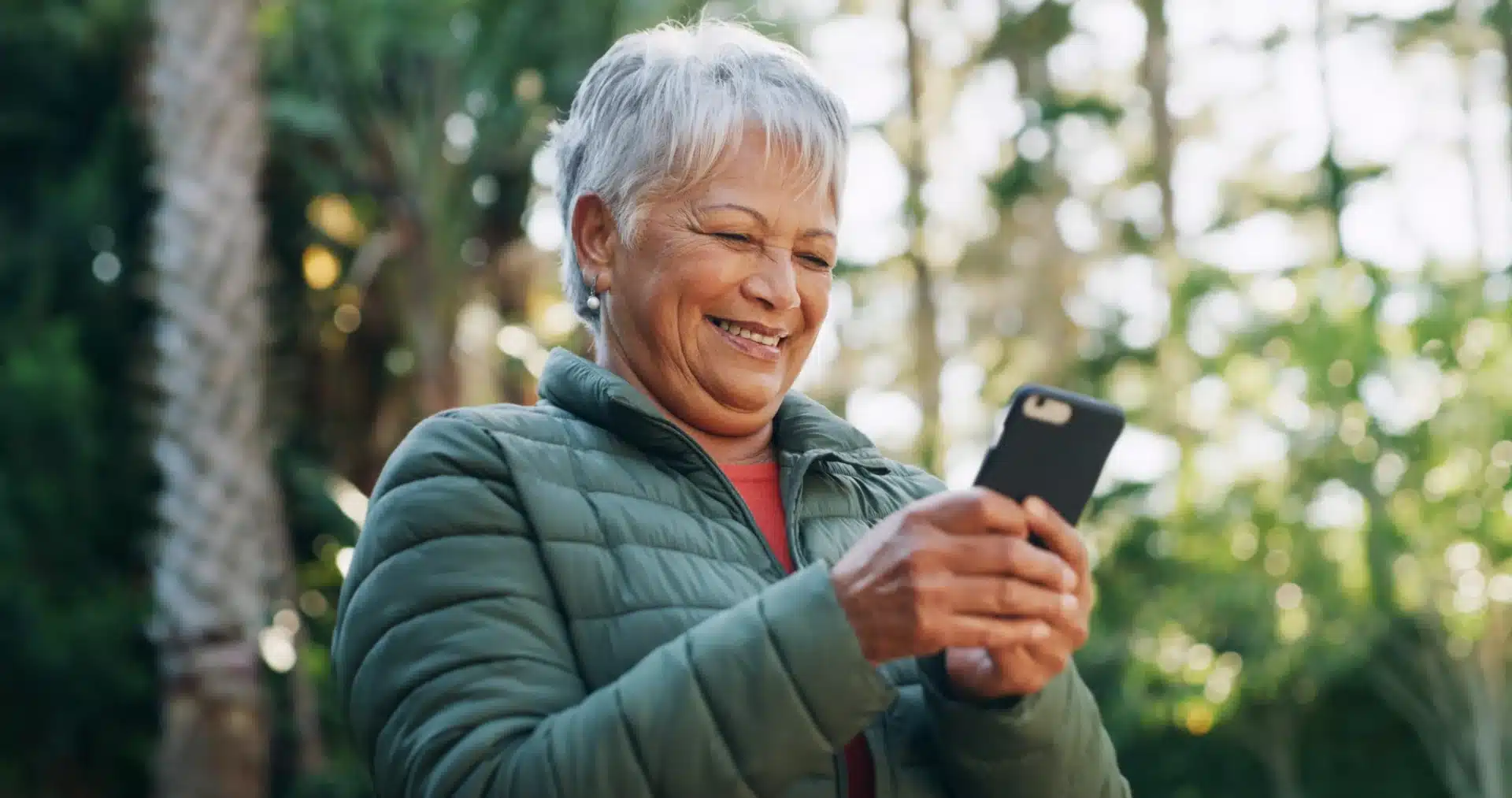
Choosing the best mobile phones for elderly loved ones isn’t about chasing the latest trend. It’s about confidence, comfort, and keeping in touch with the people and services that matter. At Caremark, we understand how reassuring a simple, dependable phone can be. Whether you’re picking a smartphone for an older person, or a straightforward keypad model, our advice is practical, compassionate, and rooted in real life.
Understanding Mobile Handsets for Elderly People
Reliable calls and messages matter more than top speeds. For most older adults, the right network support means fewer dropped calls, clearer conversations, and less fuss. Here’s a simple way to think about it.
How to Choose With Confidence:
- Prioritise 4G compatibility and VoLTE call support for stability and clarity.
- Check coverage using your preferred network’s postcode checker, focusing on home and frequently visited places.
- Enable Wi‑Fi Calling if available to improve indoor call quality.
- Pick a handset that supports common UK bands and keep software up to date.
If you’re deciding between models, pick the one that handles calls well where it will be used most. The best mobile phones for elderly customers are the ones that work reliably in real life, not just on paper.
Making Mobile Phones For Elderly People Easier
A phone is only helpful if it feels friendly and simple. Small adjustments can make a big difference to confidence. When we help set up devices for our customers, we focus on clarity, calm screens, and easy actions you can repeat without worry.
Helpful Custom Settings:
- Increase font size and enable bold text for comfortable reading.
- Choose a high‑contrast theme so icons and labels are easy to spot.
- Place essentials like Phone, Messages, and Contacts on the front row.
- Turn on accessibility options to create larger touch targets.
- Add emergency contacts and medical details to the lock screen where supported.
Start With The Basics:
- Set a Do Not Disturb schedule to prevent late-night alerts.
- Adjust ringtone and vibration so calls are clearly heard and felt.
- Match screen timeout to reading speed – no rushing.
- Turn on magnification gestures for quick zooming when needed.
Voice and assistive tools can be game-changing. A built‑in assistant can dial contacts, send texts, set reminders, and open apps by voice. Voice‑to‑text can make messaging much easier.
Big Button and Larger Screen Options
For many people, clarity and certainty are key. Big button phones and handsets with larger screens can be easier to use, especially for those who prefer a tactile keypad, straightforward menus, and clean, readable screens. A well-chosen mobile handset for elderly users should make calling and texting simple, without unnecessary steps.
Big buttons make phones easier and more reassuring to use. Physical keys give clear feedback with every press, helping prevent accidental misdials. When buttons are separated and backlit, they’re easier to see, even in low light. Simple, dedicated keys for answering and ending calls keep things straightforward, and an emergency button offers quick access to family or help when needed.
A bigger screen adds comfort and clarity. Larger text and icons make contacts and messages easier to read, while bright, anti‑glare displays work well outdoors. A clean, uncluttered home screen reduces mistakes and frustration, so everything feels simpler and more enjoyable to use.
If you’re choosing the best mobile phone for the elderly in your family, keep an eye out for a large, backlit numeric keypad, a bright screen, a sturdy case, and an emergency button. These small details add up to everyday peace of mind.
Lightweight, Comfortable Designs
Comfort matters. A phone that’s light and well balanced is easier to hold and kinder on hands and wrists, especially for those with arthritis or reduced grip strength. Our customers often tell us that a few grams can make a world of difference over a long call.
When we assess a mobile handset for elderly users, we think about how it feels in the hand, how easy it is to reach the controls, and whether accessories make it even more practical. A comfortable phone is a phone that gets used.
Battery Life You Can Trust
Dependable battery life removes worry. If a phone easily lasts through the day, there’s less chance of a flat battery just when you need to make an important call, receive medication reminders, or share your location with family.
Charging should be straightforward too. Phones with clear battery indicators, reversible connectors, and optional charging docks can make daily top‑ups easy. For those with dexterity challenges, a dock or magnetic cable can remove the fiddly part.
A long-lasting battery is one reason many families consider a smartphone for the elderly that balances performance with efficiency. The best cell phone for the elderly is the one that stays ready when life happens.
Smart Features That Support Independence
Modern phones can do a lot of good when set up simply. Features like medication reminders, calendar alerts, location sharing (with consent), and quick photo sharing can make everyday life easier and more joyful.
When carefully set up, even a feature‑rich smartphone for the elderly can feel calm and approachable. Our Care Assistants are happy to help with friendly walkthroughs that build confidence step by step
How Caremark Can Help
At Caremark, we provide high-quality, professional care that empowers individuals to live their best lives. Our kind and trustworthy care assistants are key to the tailored care we provide. Our customers are at the heart of everything we do, so we strive to support every one of their needs in managing their conditions.
Would you like to learn more about the care services we provide? Get in touch and discover how we can support you or someone you love. From companionship care, to domestic care, we are here to help.
Key Takeaways
- Choosing the best mobile phone for elderly loved ones focuses on comfort, reliability, and ease of use.
- Look for features like 4G compatibility, Wi-Fi calling, and user-friendly designs with big buttons and larger screens.
- Custom settings such as larger fonts and high-contrast themes enhance readability and usability for seniors.
- Dependable battery life and simple charging solutions are crucial for peace of mind with a mobile phone for elderly users.
- Smart features like medication reminders and location sharing can greatly support the independence of elderly individuals.
What To Read Next
- Benefits of Healthy Eating for Older Adults
- Christmas Gifts for Older People
- Supporting Older Adults During the Holidays
- Guide to Using a Dosette Box
- 5 Winter Activities for People with Dementia